

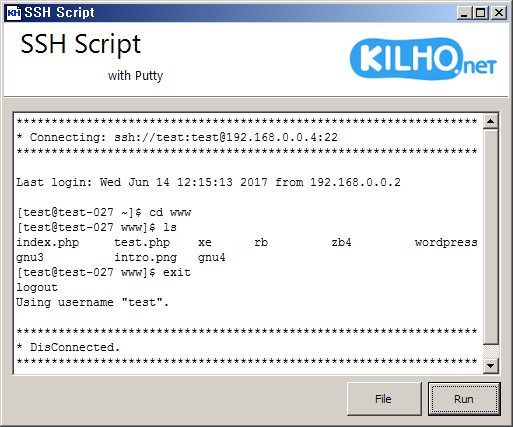
How to Use
- Launch the program.
- Click the File button, enter the commands as shown below, and save the file.
(If you have multiple accounts, repeat these steps.)[php] # Connect to the account to create the backup files. ssh://{아이디}:{패스워드}@{아이피}:{포트} # Go to the directory containing the files to back up. cd {경로} # Archive and compress the files. Entering {date} inserts the date. tar cvfz {아이디}.{date}.tar.gz . # Back up the data. mysqldump -u{아이디} -p{패스워드} {아이디} > {아이디}.{date}.sql # When finished creating the backup files, be sure to enter exit. exit # Connect to the account to download the backup files via SFTP. ftp://{아이디}:{패스워드}@{아이피}:{포트} # Go to the directory containing the backup files. cd {경로} # Download the files. get {아이디}.{date}.tar.gz get {아이디}.{date}.sql # Delete the backups from the account. rm {아이디}.{date}.tar.gz rm {아이디}.{date}.sql # Enter exit to finish. exit [/php] - Click the RUN button to start.
Download
A Few Words
- As a Nayana web hosting customer, I was affected by the incident. I made this after realizing how important backups are. ㅠㅠ



”나야나 웹호스팅을 이용하던 1인으로 피해를 당하고 나서,
백업의 중요성을 느끼며 만들었습니다 ㅠㅠ” – 오… 길호님께서 정말 좋은 기여를 해주셨네요.
네, 많은 사람들이 백업을 해야 하는걸 알면서도 귀차니즘 때문에 자주 하지 않게 되는 것 같은데, 이런 분들에게 정말 엄청나게 유용한 스크립트 라고 생각됩니다.
????
감사합니다 ^^
멋집니다.
감사합니다 ^^