

There is a new post. Click here to view the latest post.
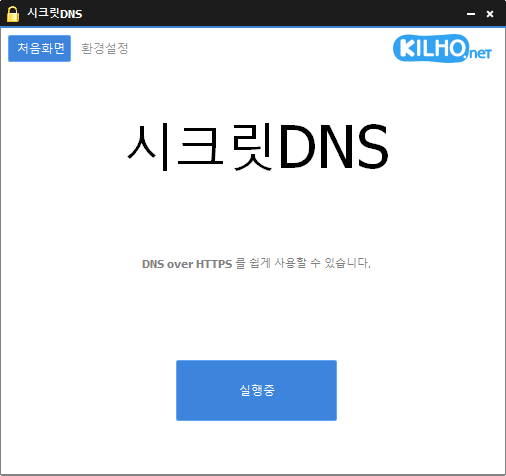
SecretDNS (3.8.9) has been updated.
- Use Recommended Options to add exceptions for only the sites you need and enjoy a smooth experience.
- Fragments only the SNI string to minimize slowdowns.
- Apply SNI fragmentation and DNS features only to specified domains.
- Use a specified DNS server without changing Windows settings.
- Easily check the domains you have visited.
- Use in combination with the proxy feature.
- Runs without installation.
Website
- SecretDNS : https://secretdns.kilho.net
Recommended Options
- DNS Settings – Encryption (DOH)
- SNI Settings – Fragmentation (Custom)
- Specified List – Enter the domains to apply
Related Links
- Update Notice : https://kilho.top/archives/notice/2940
- iPhone Setup : https://gnu.kilho.net/tiptech/1330
License
- SecretDNS is freeware.
- You can use it freely in any setting, including at work, at home, in government offices, and at school.
- You may freely distribute it anywhere.
Download file
Frequently Asked Questions (FAQ)
- Why should I use the Recommended Options?
They let you easily use features such as DNS tampering prevention and SNI eavesdropping prevention, while ensuring both speed and security. - Does SNI fragmentation slow things down?
No. This program fragments only the SNI string to minimize slowdowns. - Does DNS configuration change Windows system settings?
No. It uses its own DNS settings (DNS over HTTPS) without changing Windows settings, making it stable and secure. - How can I fix issues accessing a specific site?
You can minimize connection issues by configuring a whitelist or a list of specified domains. - Can I use it without installing it?
Yes. A portable version is available, so you can use it right away without installing it.






항상 감사합니다ㅠㅠㅠ 최고!