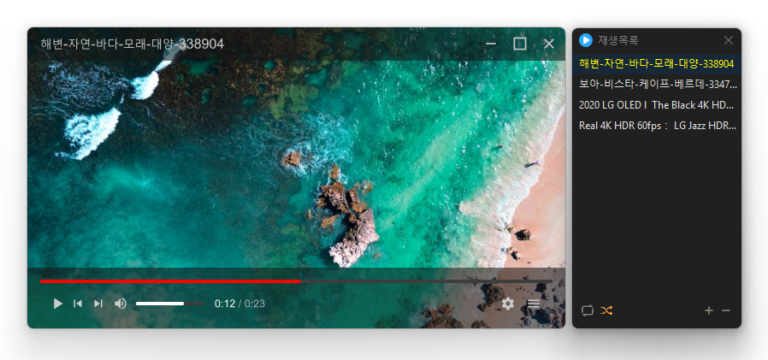
Added convenient options to play files in the running window or add them to its playlist Added automatic discovery and playback of the next media files in the same folder Improved multi-file opening to start smoothly from the first selected file Improved playlist scrollbar stability for users affected by visual shaking Fixed an issue where volume normalization might remain active with certain settings Refined the settings screen for a cleaner and faster experience Simplified screen size options to 50%, 100%, 150%, and 200% Enhanced overall stability and compatibility with modern environments Added automatic external subtitle detection based on video names and folders Added drag and drop support for applying subtitle files during playback Fixed subtitle display and playback issues affecting some users when loading subtitle files Improved SMI subtitle compatibility for files that were not automatically displayed in some cases Supports major video formats, including MP4, MKV, AVI, MOV, WMV, and ASF Powerful playback features based on LibMPV Reorder items by dragging them in the list Add files instantly by dragging and dropping them
Added quick book navigation to move between folders, archives, and PDFs PDFs in the same folder now appear alongside your images Improved image quality by preventing small images from being enlarged and blurred Improved PDF loading for users affected by opening issues Open a wide variety of image formats, including JPEG, PNG, GIF, WebP, TIFF, BMP, and SVG. View compressed files such as ZIP, RAR, and 7Z, as well as PDF documents, without extracting them.
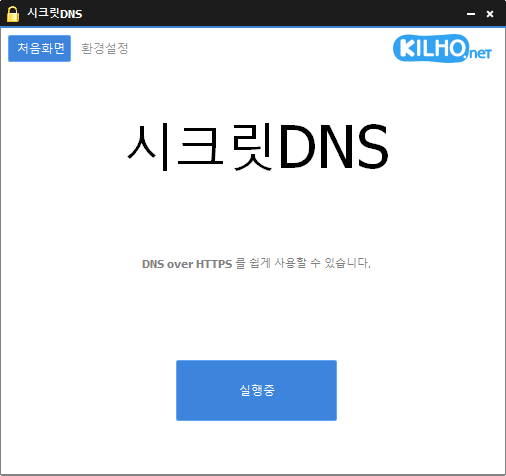
Improved VPN stability with automatic server switching Made VPN activity easier to identify in connection history Using Recommended Options lets you exclude only the sites you need, for a smoother experience. Apply SNI fragmentation and DNS features only to specified domains. Use a specified DNS server without changing Windows settings. Use it together with the proxy feature.
Fixed an issue where some users could lose their previous settings after stopping optimization Improved restoration to keep unselected settings unchanged Improved reliability so remaining changes can be reverted after an unsuccessful setup Improved compatibility for safely stopping optimization started in previous versions Accurately detects and configures the active network. Changes the network throttling index. Disables the Nagle algorithm. Can be used without installation.
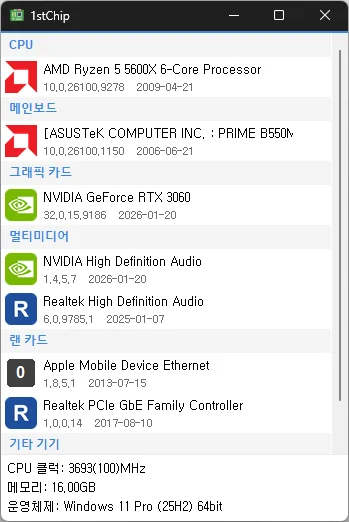
Fixed untranslated CPU clock, memory, and operating system information Fixed an issue where invalid date information could close the app Improved stability when loading PC information on some systems Fixed missing guidance for devices experiencing problems Check your CPU, motherboard, graphics card, multimedia devices, network card, and other devices all on one screen Unzip and run it without installing, so you can carry it on a USB drive and use it anywhere
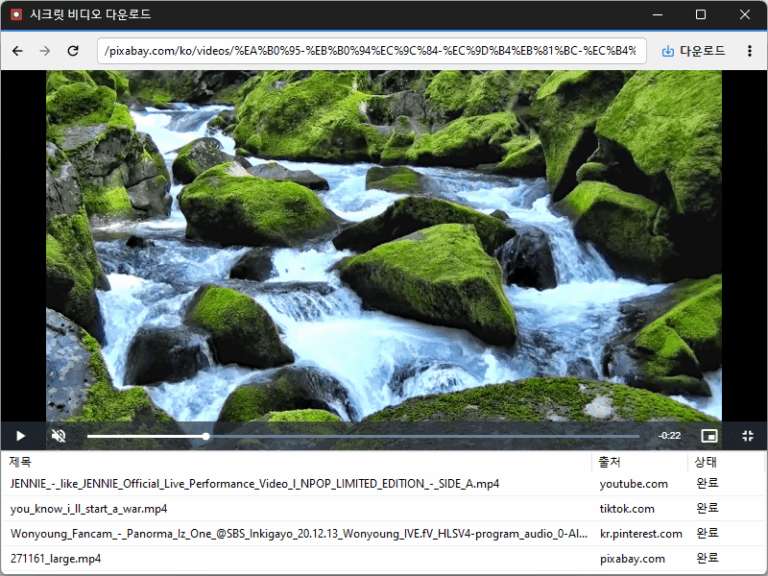
Improved downloads from older video links Added support for videos that open at a new address Improved downloads in some cases where video details were unavailable Conveniently watch videos from various websites, including OTT services. Easily save publicly available videos in your preferred quality and format.