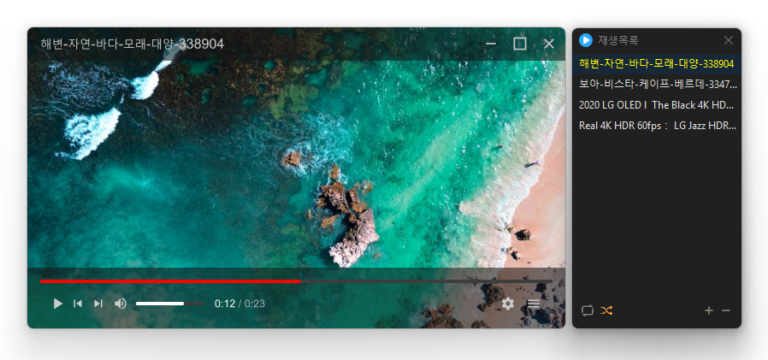
Added convenient options to play files in the running window or add them to its playlist Added automatic discovery and playback of the next media files in the same folder Improved multi-file opening to start smoothly from the first selected file Improved playlist scrollbar stability for users affected by visual shaking Fixed an issue where volume normalization might remain active with certain settings Refined the settings screen for a cleaner and faster experience Simplified screen size options to 50%, 100%, 150%, and 200% Enhanced overall stability and compatibility with modern environments Added automatic external subtitle detection based on video names and folders Added drag and drop support for applying subtitle files during playback Fixed subtitle display and playback issues affecting some users when loading subtitle files Improved SMI subtitle compatibility for files that were not automatically displayed in some cases Supports major video formats, including MP4, MKV, AVI, MOV, WMV, and ASF Powerful playback features based on LibMPV Reorder items by dragging them in the list Add files instantly by dragging and dropping them
Reduced the risk of memory related errors and improved reliability by porting to Rust Added file cleanup with options to choose what to remove Improved startup program and service lists for easier management Easily remove security (?) programs that must be installed to access banking websites. Cleanly terminate malware disguised with the same filenames as Windows system processes. Essential drivers (graphics, sound) are not terminated.(Terminating drivers may reduce performance.) Trusted antivirus software is not terminated. Easily disable items that slow down Explorer (such as toolbars). Use without installation.
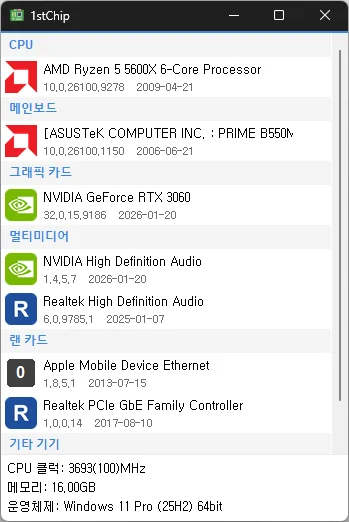
Fixed untranslated CPU clock, memory, and operating system information Fixed an issue where invalid date information could close the app Improved stability when loading PC information on some systems Fixed missing guidance for devices experiencing problems Check your CPU, motherboard, graphics card, multimedia devices, network card, and other devices all on one screen Unzip and run it without installing, so you can carry it on a USB drive and use it anywhere
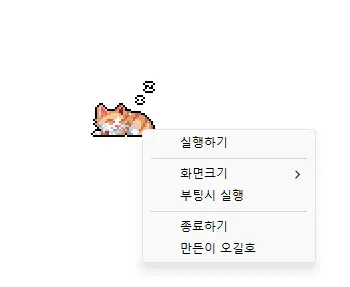
Completely refreshed for a lighter and more reliable experience Improved prevention of screen timeout, sleep mode, and unexpected Away status in apps such as Teams Added 100%, 200%, and 400% display size options Automatic saving of window position and display size, with improved multi-monitor placement Prevents your computer from entering sleep mode or turning off the screen while you work. Use it without adjusting Windows power and sleep settings. Does not change Windows settings. Ready to use without installation.
Fixed shorter wait times affecting some older saved records Preserved custom click interval ranges when changing settings Added a notification when another program is using the same hotkey Improved responsiveness by reducing unnecessary delays after double clicks Prevented continuous clicking caused by an invalid repeat count An automatic mouse-clicking program. Use it with multiple patterns by adding times and coordinates. Configure click details. Use it without installation.
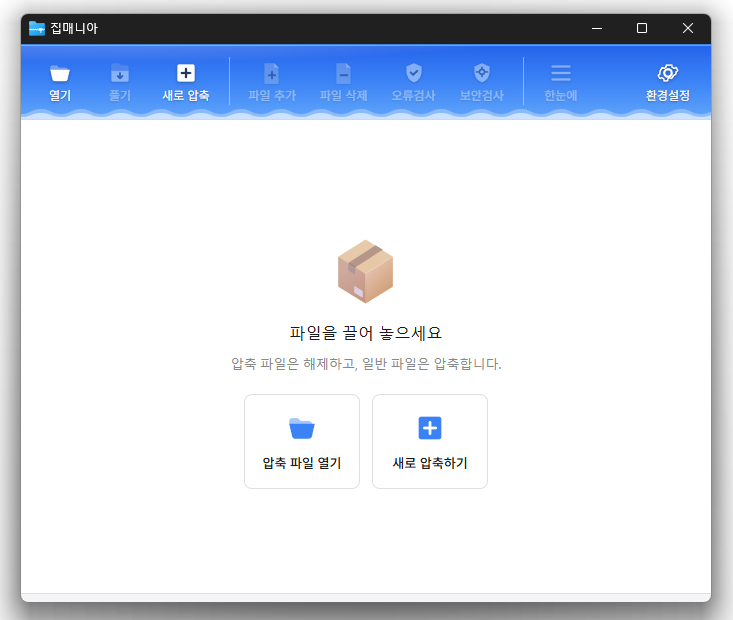
Fixed compression and extraction windows appearing behind File Explorer Improved update checks on company networks Improved keyboard navigation between folders Simplified the Settings screen Added archive names to window titles Reduced app size and refined the interface You can open a variety of archive formats, including ZIP, RAR, 7Z, EGG, ALZ, and ISO. Compress and extract files quickly with the dedicated ZIP engine.