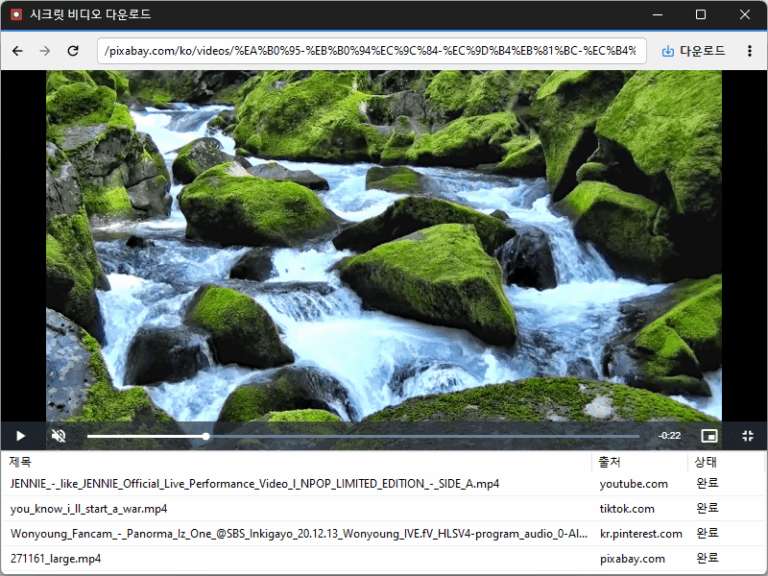
Improved downloads from older video links Added support for videos that open at a new address Improved downloads in some cases where video details were unavailable Conveniently watch videos from various websites, including OTT services. Easily save publicly available videos in your preferred quality and format.
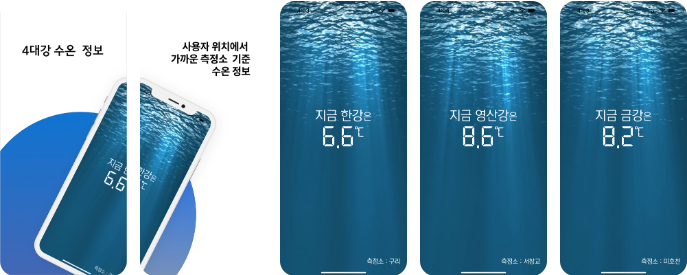
“Han River Gazua” is an app that provides water temperature information for the four major rivers. It provides water temperature information from the nearest measurement station based on your location. It provides water temperature information for the Han, Geum, Nakdong,…
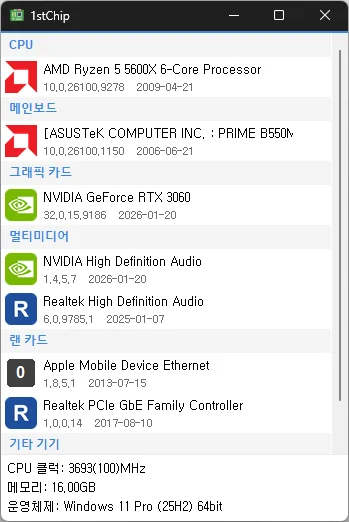
Fixed untranslated CPU clock, memory, and operating system information Fixed an issue where invalid date information could close the app Improved stability when loading PC information on some systems Fixed missing guidance for devices experiencing problems Check your CPU, motherboard, graphics card, multimedia devices, network card, and other devices all on one screen Unzip and run it without installing, so you can carry it on a USB drive and use it anywhere
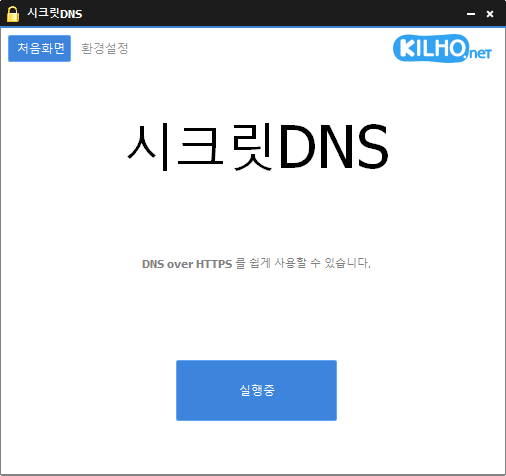
Improved VPN stability with automatic server switching Made VPN activity easier to identify in connection history Using Recommended Options lets you exclude only the sites you need, for a smoother experience. Apply SNI fragmentation and DNS features only to specified domains. Use a specified DNS server without changing Windows settings. Use it together with the proxy feature.
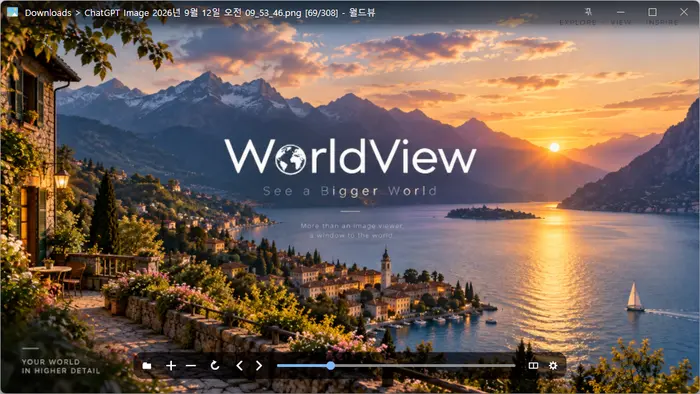
Added quick book navigation to move between folders, archives, and PDFs PDFs in the same folder now appear alongside your images Improved image quality by preventing small images from being enlarged and blurred Improved PDF loading for users affected by opening issues Open a wide variety of image formats, including JPEG, PNG, GIF, WebP, TIFF, BMP, and SVG. View compressed files such as ZIP, RAR, and 7Z, as well as PDF documents, without extracting them.
Meet the refreshed ImageConverter, with a more convenient way to start converting Choose your preferred image size more easily Improved the update experience so you can keep using your existing settings Improved right-click conversion in Windows Laid the groundwork for support on more operating systems Convert between a variety of image formats. Save JPG files with a higher compression ratio using MozJPEG. PDF files are saved as separate image files for each page. Transparent backgrounds are preserved when saving as PNG or WEBP. Convert images from the right-click context menu. Use without installation.
와우.. 점점 발전해서 너무 좋네요. 감사합니다.
항상 잘쓰고 있습니다
항상 복 받으시고, 건강하십시오!
꽤 오랫동안 사용한 툴인데, 동영상 녹화지원은 이번이 처음인거 같습니다. 기대됩니다.
덕분에 너무 유용하게 잘 사용하고 있습니다. 감사합니다!