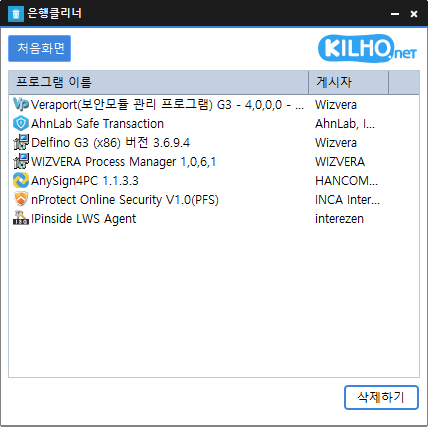
Added data sharing with KCleaner Rewrote the entire codebase Easily remove security(?) programs that you have no choice but to install. Enjoy the convenience of using it without installation from a single file.
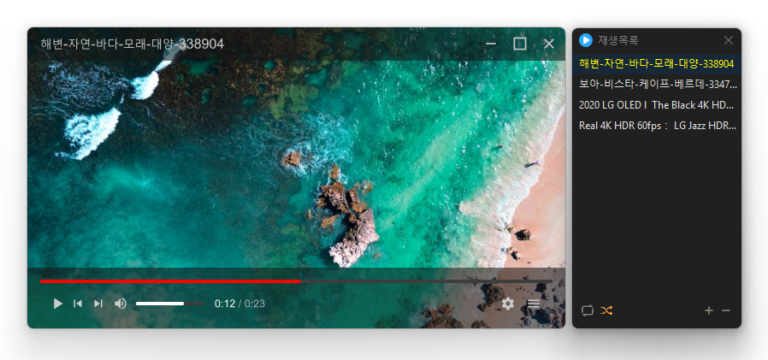
Added convenient options to play files in the running window or add them to its playlist Added automatic discovery and playback of the next media files in the same folder Improved multi-file opening to start smoothly from the first selected file Improved playlist scrollbar stability for users affected by visual shaking Fixed an issue where volume normalization might remain active with certain settings Refined the settings screen for a cleaner and faster experience Simplified screen size options to 50%, 100%, 150%, and 200% Enhanced overall stability and compatibility with modern environments Added automatic external subtitle detection based on video names and folders Added drag and drop support for applying subtitle files during playback Fixed subtitle display and playback issues affecting some users when loading subtitle files Improved SMI subtitle compatibility for files that were not automatically displayed in some cases Supports major video formats, including MP4, MKV, AVI, MOV, WMV, and ASF Powerful playback features based on LibMPV Reorder items by dragging them in the list Add files instantly by dragging and dropping them
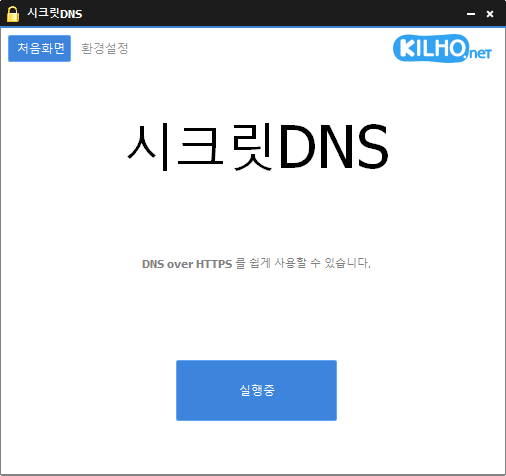
Improved VPN stability with automatic server switching Made VPN activity easier to identify in connection history Using Recommended Options lets you exclude only the sites you need, for a smoother experience. Apply SNI fragmentation and DNS features only to specified domains. Use a specified DNS server without changing Windows settings. Use it together with the proxy feature.
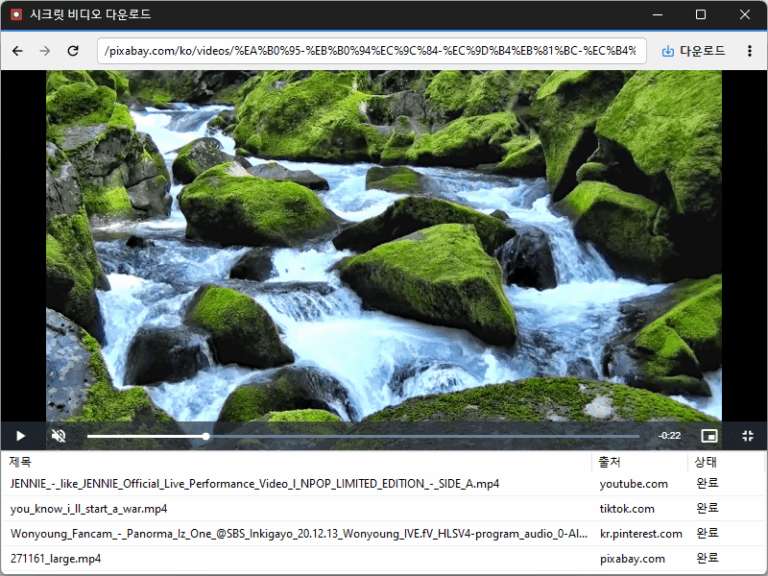
Improved downloads from older video links Added support for videos that open at a new address Improved downloads in some cases where video details were unavailable Conveniently watch videos from various websites, including OTT services. Easily save publicly available videos in your preferred quality and format.
Reduced the risk of memory related errors and improved reliability by porting to Rust Added file cleanup with options to choose what to remove Improved startup program and service lists for easier management Easily remove security (?) programs that must be installed to access banking websites. Cleanly terminate malware disguised with the same filenames as Windows system processes. Essential drivers (graphics, sound) are not terminated.(Terminating drivers may reduce performance.) Trusted antivirus software is not terminated. Easily disable items that slow down Explorer (such as toolbars). Use without installation.
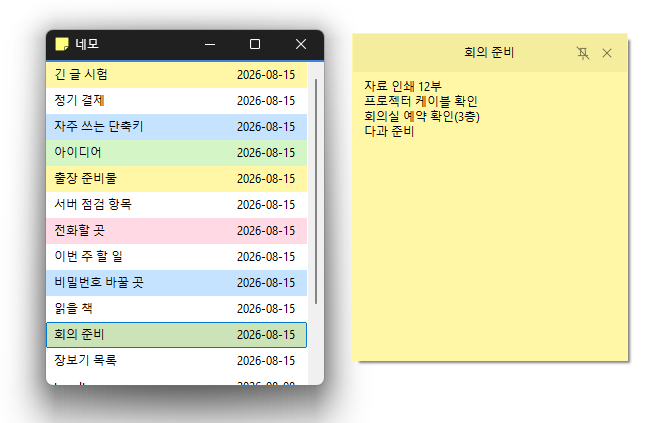
Completely rebuilt the program for faster and more reliable performance. Your notes are automatically saved to the server, so you can use Nemo with peace of mind. The position, size, and pinned state of your notes are remembered and restored when you relaunch the app. Use different colors to organize your notes and find what you need at a glance. View and manage the same notes on your PC and on the web. Your account is protected with a secure login method.