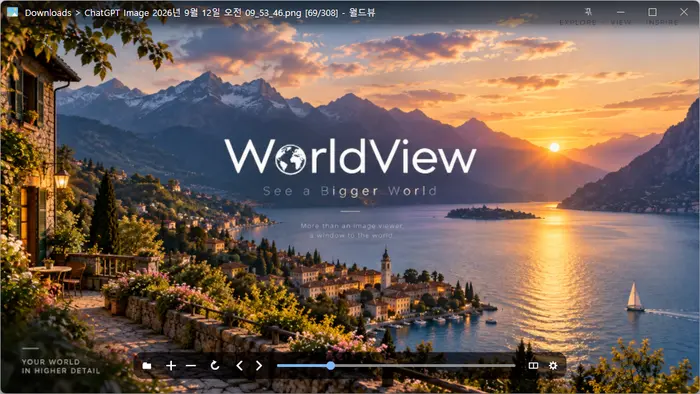
Added quick book navigation to move between folders, archives, and PDFs PDFs in the same folder now appear alongside your images Improved image quality by preventing small images from being enlarged and blurred Improved PDF loading for users affected by opening issues Open a wide variety of image formats, including JPEG, PNG, GIF, WebP, TIFF, BMP, and SVG. View compressed files such as ZIP, RAR, and 7Z, as well as PDF documents, without extracting them.
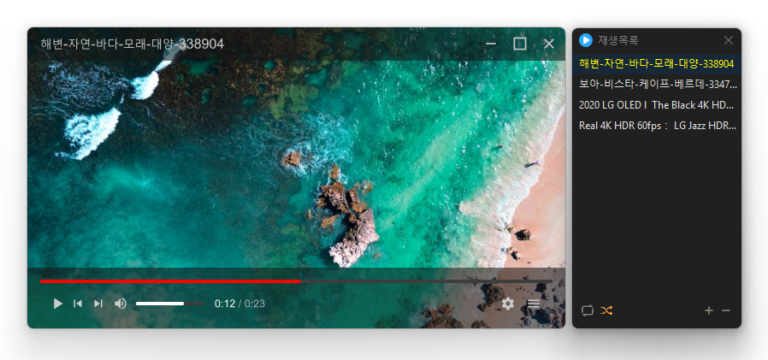
Added convenient options to play files in the running window or add them to its playlist Added automatic discovery and playback of the next media files in the same folder Improved multi-file opening to start smoothly from the first selected file Improved playlist scrollbar stability for users affected by visual shaking Fixed an issue where volume normalization might remain active with certain settings Refined the settings screen for a cleaner and faster experience Simplified screen size options to 50%, 100%, 150%, and 200% Enhanced overall stability and compatibility with modern environments Added automatic external subtitle detection based on video names and folders Added drag and drop support for applying subtitle files during playback Fixed subtitle display and playback issues affecting some users when loading subtitle files Improved SMI subtitle compatibility for files that were not automatically displayed in some cases Supports major video formats, including MP4, MKV, AVI, MOV, WMV, and ASF Powerful playback features based on LibMPV Reorder items by dragging them in the list Add files instantly by dragging and dropping them
Enhanced image upload security and failure handling Fixed WebP save errors and empty file creation Fixed recording startup and status issues in some environments Improved screen capture and drag capture stability Prevented existing files from being overwritten during rapid consecutive captures Prevented OCR and configuration errors Improved duplicate application launch prevention Improved capture area size and position saving Enhanced overall application stability Supports a variety of capture areas. Can capture entire web pages. Supports a variety of image file formats. Extracts text using OCR. Supports floating images. Creates shareable links through its image library. Can record video. Can extract colors. Can be used without installation.
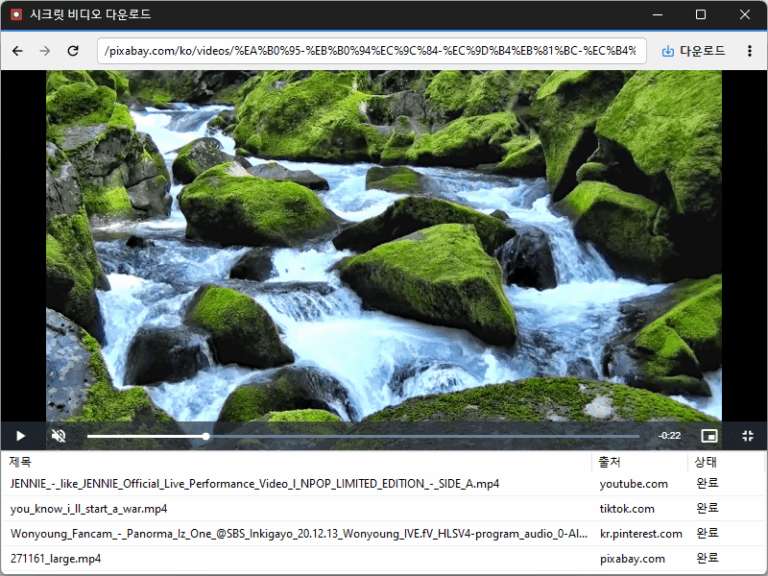
Improved downloads from older video links Added support for videos that open at a new address Improved downloads in some cases where video details were unavailable Conveniently watch videos from various websites, including OTT services. Easily save publicly available videos in your preferred quality and format.
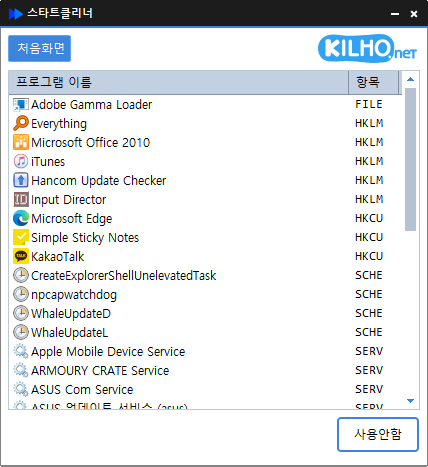
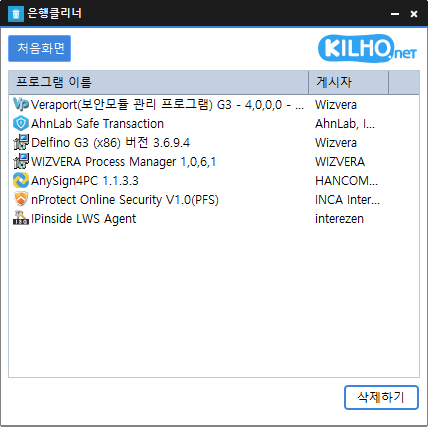
Added data sharing with KCleaner Rewrote the entire codebase Easily remove security(?) programs that you have no choice but to install. Enjoy the convenience of using it without installation from a single file.
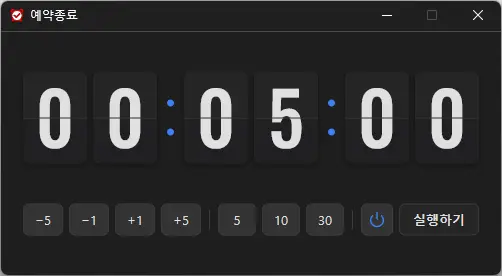
Introduced a stylish flip clock design for faster time checking Added intuitive buttons for quicker and easier time setup Improved shutdown and sleep selection with clear visual icons Applied sharper number styling and colors optimized for the dark interface Improved display behavior and reliability in certain user environments Refreshed the entire app for a lighter and smoother experience A scheduled shutdown program for computers. Shuts down your computer at a specified time. Includes a screenshot feature so you can check what was happening just before shutdown. Can be used without installation.