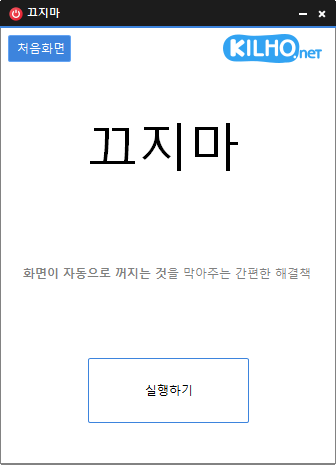
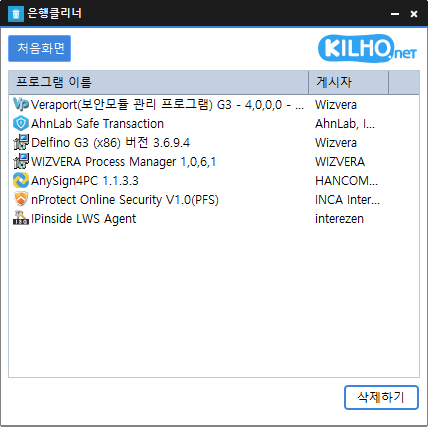
Added data sharing with KCleaner Rewrote the entire codebase Easily remove security(?) programs that you have no choice but to install. Enjoy the convenience of using it without installation from a single file.
Completely rebuilt from Delphi in pure C for a faster and more stable MemoryCleaner Reduced background memory usage by more than 95 percent for lighter long term operation Reduced the application size by approximately 98 percent for faster startup and a smaller footprint Added the option to choose exactly which memory areas to clean Added a new automatic cleanup feature that clears cached memory when available memory runs low Added cached memory size and usage information directly to the main screen Improved default cleanup settings to help reduce interruptions while gaming or watching videos Fixed an issue where cleanup could appear to fail on some PCs when a specific item was unavailable Enhanced error detection to help identify and resolve unexpected shutdowns faster Added a button to restore all settings to their defaults Fixed an issue where update checks might not complete correctly on some PCs Removed unnecessary permission requests and improved overall reliability Cleans various memory areas. Automatically cleans memory according to your settings. Can be used without installation.
Fixed shorter wait times affecting some older saved records Preserved custom click interval ranges when changing settings Added a notification when another program is using the same hotkey Improved responsiveness by reducing unnecessary delays after double clicks Prevented continuous clicking caused by an invalid repeat count An automatic mouse-clicking program. Use it with multiple patterns by adding times and coordinates. Configure click details. Use it without installation.
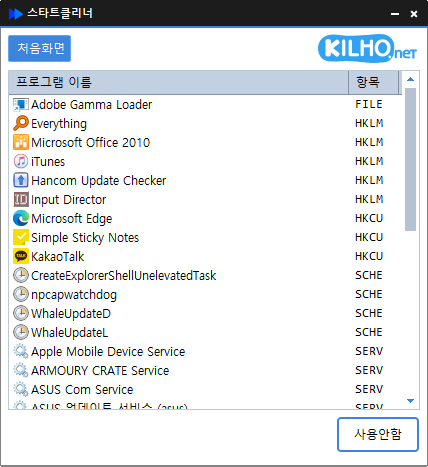
Improved performance and reliability with a new Rust port Manage startup programs and services quickly in one place Refined lists and workflows for easier access to key features Easily manage programs that run automatically at startup. Manage various items in one place, including the Startup folder, registry, Task Scheduler, and services. Safely change settings by disabling items instead of deleting them.
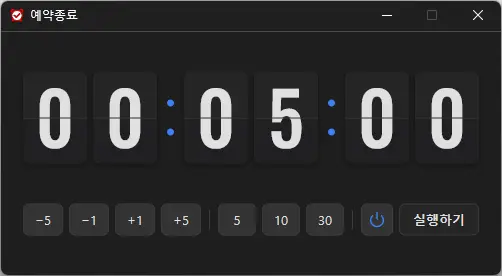
Introduced a stylish flip clock design for faster time checking Added intuitive buttons for quicker and easier time setup Improved shutdown and sleep selection with clear visual icons Applied sharper number styling and colors optimized for the dark interface Improved display behavior and reliability in certain user environments Refreshed the entire app for a lighter and smoother experience A scheduled shutdown program for computers. Shuts down your computer at a specified time. Includes a screenshot feature so you can check what was happening just before shutdown. Can be used without installation.
“Han River Gazua” is an app that provides water temperature information for the four major rivers. It provides water temperature information from the nearest measurement station based on your location. It provides water temperature information for the Han, Geum, Nakdong,…